![HubSpotKBLogo-01.png]](https://insigniagroup.com/hs-fs/hubfs/HubSpotKBLogo-01.png?height=40&name=HubSpotKBLogo-01.png)
The Adjusted Accessories report shows all accessories with special pricing.
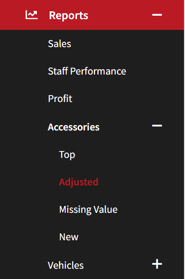
- Expand Reports.
- Expand Accessories.
- Select Adjusted.
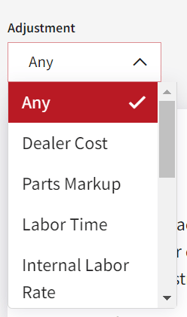
- Select an Adjustment to filter results.
- Select the header to sort the results.

- The Accessories card lists all the adjustments.
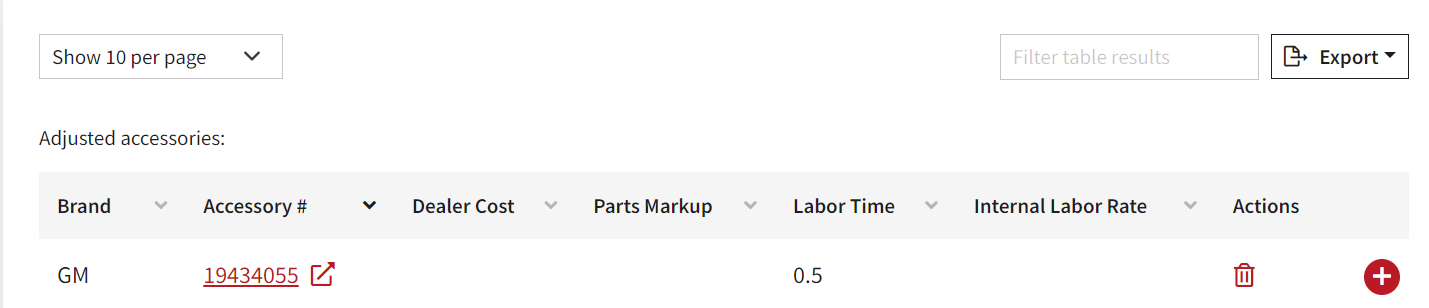
- Select the plus sign to see additional details.
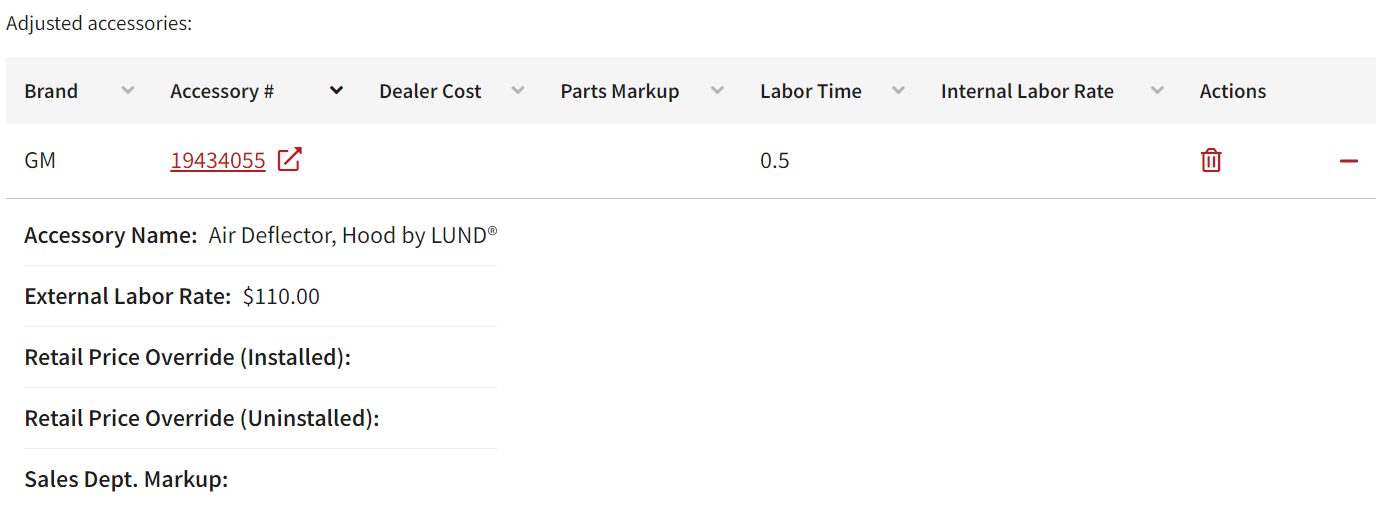
- Export the list.
Tip: Exporting is useful if you have multiple pages of accessories listed.
Note: Customer Care is available to assist you in making bulk changes.

- Select the accessory number to edit the item.
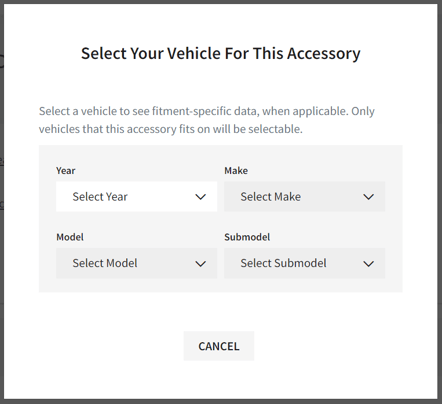
- Select vehicle.
Tip: All pricing and labor changes to the part number will impact all vehicles the accessory fits.