![HubSpotKBLogo-01.png]](https://insigniagroup.com/hs-fs/hubfs/HubSpotKBLogo-01.png?height=40&name=HubSpotKBLogo-01.png)
The New Accessories report shows accessories added to the system within the last 30 days.
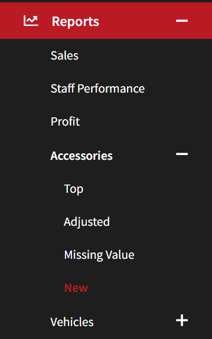
- Expand Reports.
- Expand Accessories.
- Select New.
- Select the Brand.
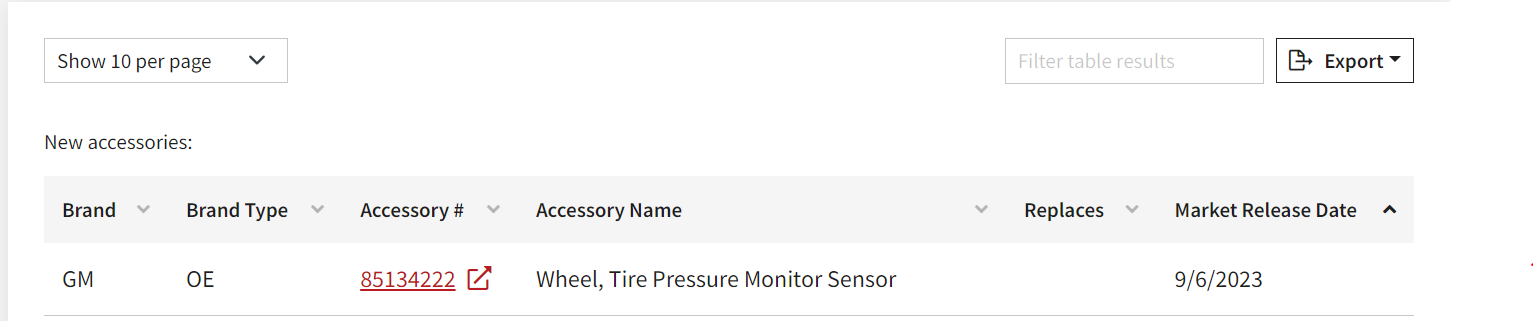
- The table displays the Accessory #, Name, Replaces, and Market Release Date.
Note: The Brand and Type columns are only visible when selecting the “All” option.
Note: Any accessory replacing another will show the superseded accessory number in the Replaces column.
- Select the accessory number to edit the item.
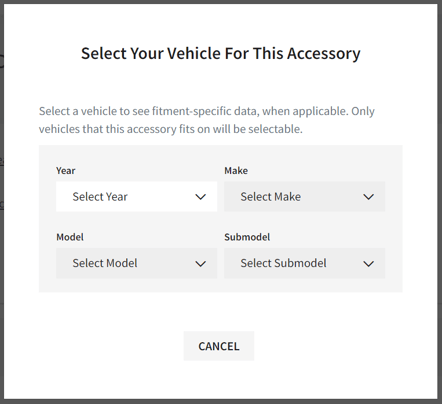
- Select vehicle.
Tip: All pricing and labor changes to the part number will impact all vehicles the accessory fits.