![HubSpotKBLogo-01.png]](https://insigniagroup.com/hs-fs/hubfs/HubSpotKBLogo-01.png?height=40&name=HubSpotKBLogo-01.png)
The profit report shows how much profit your dealership has earned for accessory sales based on fulfilled orders, including by department.
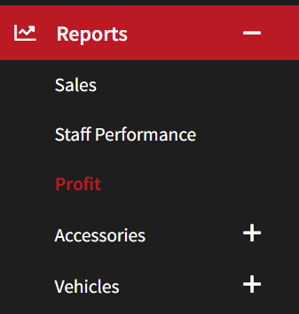
- Expand Reports
- Select Profit
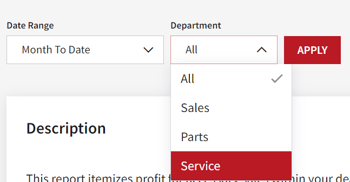
- Select the Date Range.
- Select the Department.
Note: The default is set to Month-to-Date and All departments.
Note: If you select a single department, the information presented in the report is only for that department. - Select Apply to update the search.
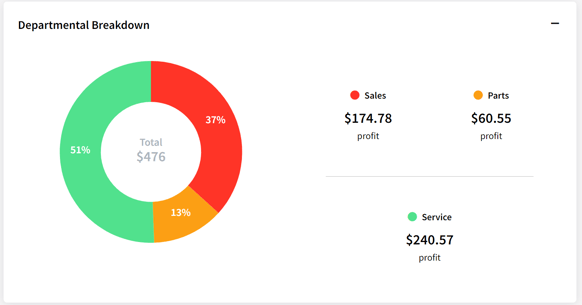
- The Departmental Breakdown displays a pie chart for the total profit of Sales, Parts, and Service when all departments are selected.
Note: N/A shows if a department does not have sales or presentation information or you are searching by a specific department.
- The Highlights Box displays the total and average profit and the percentage of sales.
Note: The percentage of sales is the percentage of profit to sales (if there is $20k in profit from $100k of sales, 20% will display).

- The Orders table displays order information, including the profit breakdown by department and the Fulfillment Date.
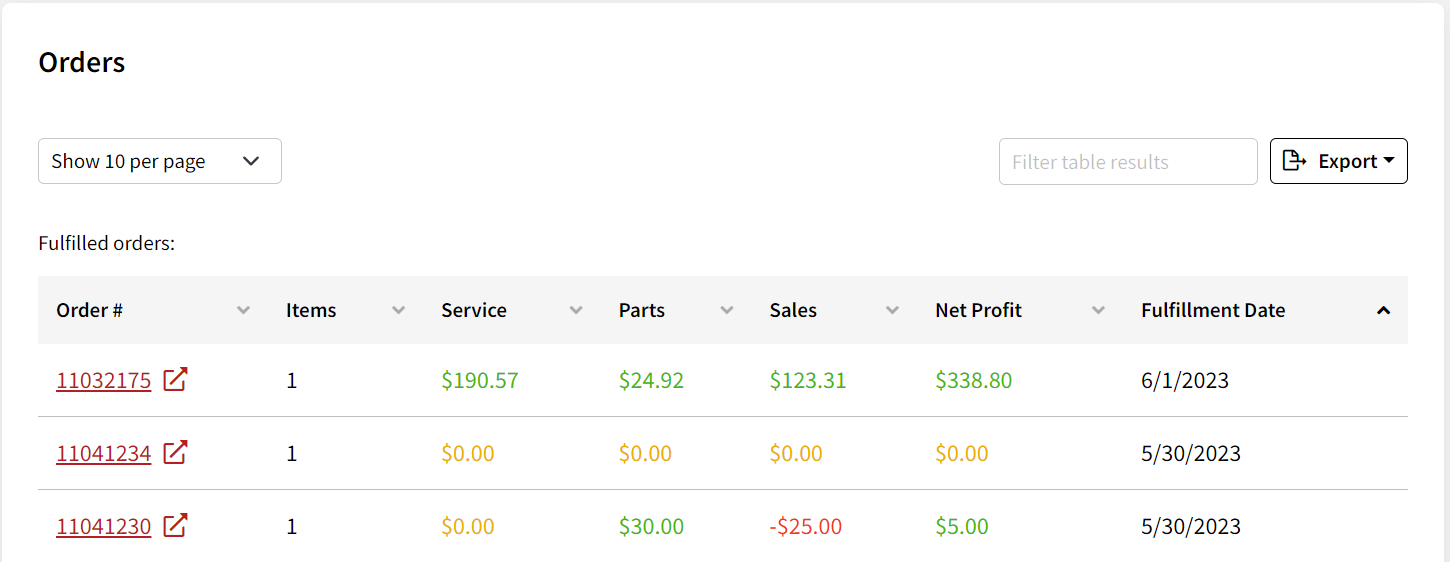
- Select the Order # to review the Order Details.