![HubSpotKBLogo-01.png]](https://insigniagroup.com/hs-fs/hubfs/HubSpotKBLogo-01.png?height=40&name=HubSpotKBLogo-01.png)
The Top Vehicles report shows the most popular vehicles for which accessories have been purchased or viewed on this site.
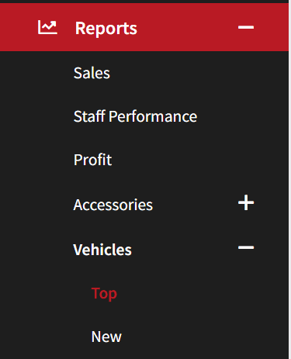
- Expand Reports.
- Expand Vehicles.
- Select Top.
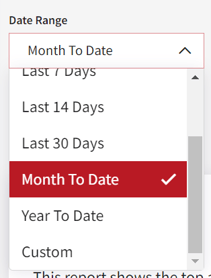
- Select Date Range.
Note: The default is set to Month to Date.
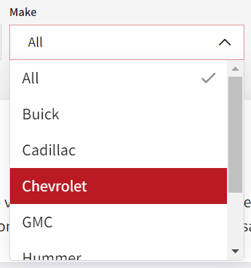
- Select Make.
Note: The default brand is set to All.
- Narrow the search further by selecting Criteria.
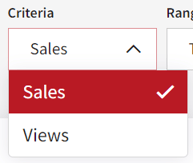
- Select the Range.
Note: Sales numbers are based on fulfilled orders.
- Select Apply to update the search.

- The highlights box is displayed based on the criteria selected.
Tip: Change the criteria to see different information.
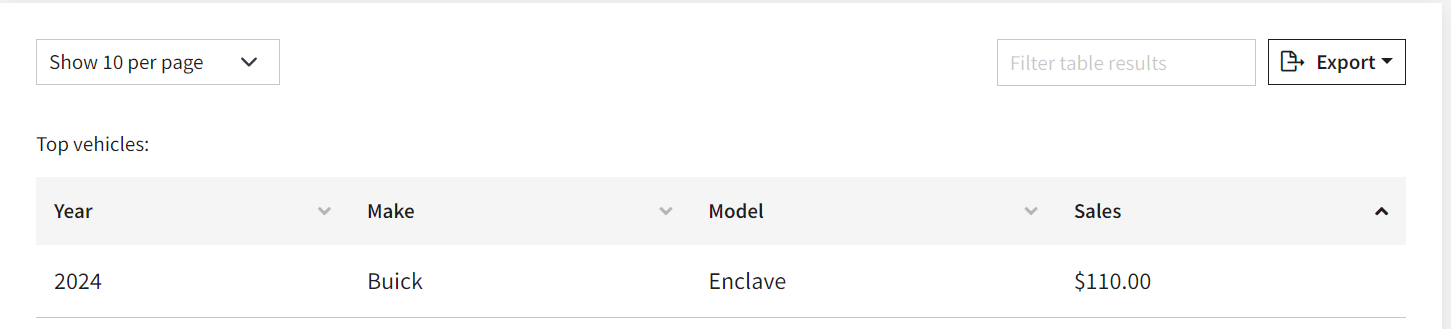
- The Vehicle Card shows sales or view numbers on the Year, Make, and Model.
Tip: Change the criteria to see different information.
Note: All submodels are included in this number.